
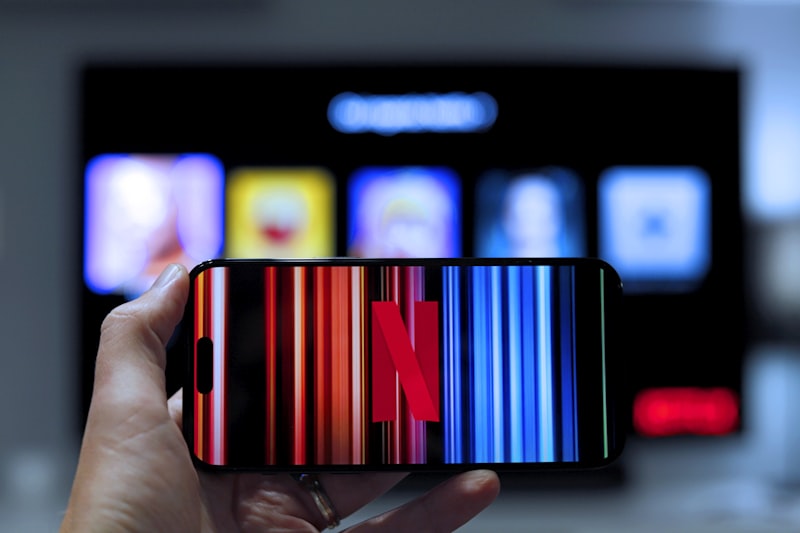
Understanding Wireless HDMI Transmission Technology
Wireless HDMI transmitters eliminate the need for long HDMI cables running across rooms, enabling flexible device placement and cleaner installations. These systems wirelessly transmit full 4K video and audio from source devices like Blu-ray players, gaming consoles, or streaming devices to your TV or projector. Modern wireless HDMI technology delivers reliable, low-latency performance comparable to wired connections, making them ideal for both residential and commercial applications.
Why Wireless HDMI Matters for Modern Entertainment
Traditional HDMI cables create installation challenges in large rooms, require expensive wall runs, and limit device placement flexibility. Wireless HDMI transmitters eliminate these constraints, allowing you to position your source device anywhere within transmission range. This flexibility transforms room layouts, enables easier equipment upgrades, and simplifies installation in older homes where running cables proves difficult or impossible.
Three Primary Wireless HDMI Technologies
- WiFi-Based Systems: Transmit video over your existing WiFi network or dedicated WiFi bands. These systems offer excellent range (typically 50-100+ feet) and work through walls and obstacles. Perfect for multi-room setups and situations where you need maximum flexibility. Slight latency (50-100ms) makes them suitable for movies and streaming but potentially problematic for competitive gaming.
- Proprietary 5GHz Systems: Use dedicated 5GHz wireless bands independent of your home WiFi, providing lower latency (under 50ms) and more stable connections. These closed systems eliminate interference from other devices, making them ideal for gaming and fast-paced content. Range typically reaches 50-75 feet with line-of-sight transmission.
- Ultra-Wideband (UWB) Systems: Emerging technology offering extremely low latency (under 10ms) and precise positioning. These premium systems provide gaming-grade performance with excellent reliability, though at higher cost. Best for serious gamers and professional installations requiring absolute performance.
Critical Performance Specifications
Resolution Support: Entry-level systems handle 1080p reliably; mid-range options support 4K at 30Hz; premium systems transmit 4K at 60Hz with HDR. Verify your TV's capabilities and source device output before selecting a transmitter.
Latency Ratings: Measured in milliseconds, latency affects how quickly video appears after transmission. Under 50ms feels seamless for movies; 50-100ms introduces noticeable lag for gaming; over 100ms creates unacceptable delays for interactive content.
Transmission Range: Rated distances assume line-of-sight conditions. Real-world range decreases with walls and obstacles. WiFi-based systems typically reach further than proprietary systems through barriers.
How to Choose the Right Wireless HDMI System
Identify your primary use case first. Movie streaming prioritizes range and reliability over latency; gaming demands low latency and stable connections; multi-room systems benefit from WiFi-based solutions. Measure the distance between your source device and display—if under 30 feet with clear line-of-sight, proprietary systems work excellently; if over 50 feet or through multiple walls, WiFi-based systems prove more reliable.
Consider your source devices carefully. Older equipment may lack wireless capabilities; ensure your transmitter works with your specific devices. Verify your TV's wireless receiver compatibility or plan to purchase a separate receiver unit. Test systems in your actual environment when possible—interference from microwaves, cordless phones, and neighboring WiFi networks affects real-world performance.
Product Recommendations for Different Scenarios
Home theater enthusiasts with short distances should choose proprietary 5GHz systems for gaming-grade latency and reliability. Large living rooms or multi-room setups benefit from WiFi-based systems offering extended range and flexibility. Professional installations requiring absolute performance demand UWB systems despite premium pricing.
Common Installation Mistakes to Avoid
Never assume maximum rated range applies in your environment; test thoroughly before finalizing placement. Don't ignore interference sources like microwave ovens and cordless phones that disrupt wireless signals. Avoid placing receivers near metal objects or in enclosed cabinets that block transmission. Never forget to update firmware regularly—manufacturers constantly improve performance and compatibility through updates.
Frequently Asked Questions
Can wireless HDMI systems transmit through walls? WiFi-based systems transmit through walls effectively; proprietary systems struggle with barriers. Test in your specific environment before purchasing.
Is wireless HDMI suitable for gaming? Proprietary and UWB systems work well for gaming; WiFi-based systems may introduce noticeable lag for competitive play.
Do I need a separate receiver or does my TV have one built-in? Most TVs lack wireless HDMI receivers. Purchase a separate receiver unit compatible with your transmitter.
Ready to Shop
Eliminate cable clutter and gain installation flexibility with a wireless HDMI system matched to your entertainment needs. Whether you prioritize range, latency performance, or multi-room capability, the right wireless transmitter transforms your home entertainment experience.
Ready to find the perfect products? Browse our Electronics collection.
Shop Electronics Now