
Introduction
A USB power adapter charger converts electricity from a standard wall outlet into the regulated DC power your phone, tablet, earbuds, smartwatch, and other USB-powered devices need. Whether you're replacing a lost charger, upgrading to faster charging, or preparing a convenient travel setup, understanding a few basic specifications can help you choose the right adapter. This guide explains how USB chargers work, the main types available, what wattage and charging protocols mean, and how to select a reliable charger without paying for features you don't need.
What It Is and How It Works
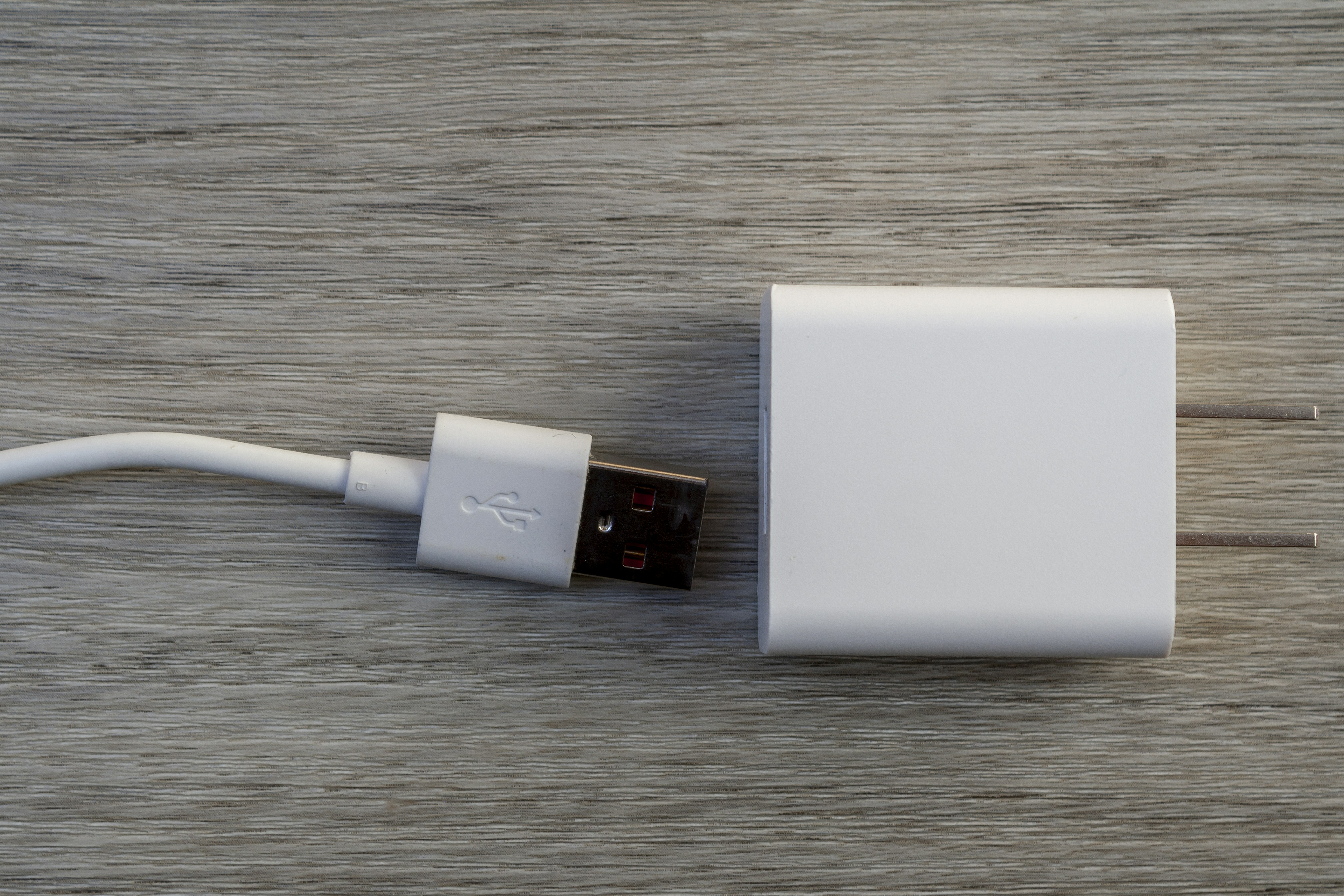
A USB power adapter charger contains electronic components that convert household AC electricity into a safe, regulated DC output. The adapter connects to a wall outlet and provides one or more USB ports where you plug in a compatible charging cable. Depending on the design, the adapter may include USB-A ports, USB-C ports, or a combination of both.
Modern chargers can also communicate with connected devices to determine the appropriate charging level. Technologies such as USB Power Delivery (USB-PD) and Qualcomm Quick Charge allow compatible devices and chargers to negotiate the voltage and current needed for efficient charging. As a result, the same adapter can provide different power levels depending on the device and charging protocol being used.
The Main Types of USB Power Adapter Chargers
USB power adapter chargers are available in several common formats. The right option depends on how many devices you need to charge, where you plan to use the adapter, and how much power your devices require.
- Single-port wall adapters: Compact and easy to carry, these adapters provide one USB output for charging a single device. They are a practical choice for a nightstand, office desk, or travel bag when you typically charge one device at a time.
- Multi-port wall adapters: These chargers provide two or more USB-A or USB-C ports, allowing several devices to charge from a single wall outlet. Keep in mind that the adapter's total power output may be shared between ports, so available wattage can change when multiple devices are connected.
- USB-C Power Delivery adapters: USB-C PD chargers are designed for efficient, higher-power charging of compatible phones, tablets, handheld devices, and some laptops. Available wattages vary, so check your device's requirements before choosing an adapter.
- Car USB adapters: Designed for use in vehicles, these adapters connect to a compatible 12V vehicle power outlet and provide USB charging power while you're on the road. Output levels vary, so choose one that provides enough power for your device.
- GaN (gallium nitride) adapters: GaN chargers use gallium nitride semiconductor technology instead of relying solely on traditional silicon components. This design can allow manufacturers to produce compact, lightweight chargers capable of delivering relatively high power.
How to Choose the Right Charger
Start by checking the port type and cable you use. USB-C ports are common on newer phones, tablets, laptops, and other electronics, while USB-A remains widely used with older charging cables and accessories. If fast charging is important, look for an adapter and cable that support the charging standard required by your device.
Next, check the wattage. Your original charger or device specifications can tell you how much power the device is designed to use. Choosing an adapter that meets or exceeds the required wattage is generally appropriate for compatible charging standards. For example, a device designed to accept 20W can typically be used with a compatible 30W USB-PD charger because the device controls how much power it requests.
Charging protocol compatibility is also important. USB-PD, Quick Charge, and other charging technologies may provide different charging capabilities. For the best results, the charger, cable, and device should support the appropriate standard. Finally, consider where you'll use the charger. A small single-port adapter works well for travel, while a higher-power multi-port charger may be more convenient for a desk, bedside table, or shared charging station.
For safety, look for products that meet applicable electrical safety requirements and carry recognized certification or listing marks where appropriate, such as UL or ETL in the United States. Always follow the manufacturer's specifications and recommendations.
Safety Basics for USB Power Adapter Chargers
Use your USB power adapter charger with a properly installed and appropriately rated electrical outlet. Avoid using damaged extension cords, power strips, or adapters, and do not overload an outlet. Inspect the charger, plug, and cable periodically for cracks, exposed wires, melted areas, discoloration, or other signs of damage.
Keep the adapter uncovered while it is operating so heat can dissipate normally. Do not place a charger beneath blankets, pillows, or other materials that could restrict airflow. If an adapter becomes unusually hot, produces a burning smell, makes unexpected buzzing or clicking sounds, or shows visible damage, disconnect it and stop using it.
Keep chargers away from water and excessive moisture, and avoid using them in locations where they could be exposed to spills or splashes. Following the manufacturer's care and operating instructions can help reduce the risk of electrical or equipment-related problems.
Signs It's Time to Replace Your Charger
A USB charger that becomes unusually hot, repeatedly disconnects during charging, or causes charging to become inconsistent may need to be replaced. Visible damage to the housing, a loose USB port, bent pins, a damaged cable, discoloration, or a plug that does not fit securely are also warning signs.
If a charger produces a burning odor, smoke, sparks, or unusual sounds, stop using it immediately and disconnect it when it is safe to do so. Do not continue using a damaged adapter simply because it still appears to charge your device. Replacing a worn or damaged charger can help protect both your electronics and your electrical setup.
Common Mistakes to Avoid
A few common mistakes can lead to slower charging, compatibility problems, or unnecessary returns. Keep these points in mind when choosing and using a USB power adapter charger.
- Choosing too little power: Using an adapter with insufficient wattage can result in slower charging or prevent a device from charging effectively while in use.
- Assuming every USB-C setup supports the same charging speed: USB-C describes the connector type, not a single charging speed. The charger, cable, device, and supported protocol all affect charging performance.
- Ignoring cable specifications: A capable charger may not deliver its full potential if the connected cable does not support the required power or charging standard.
- Expecting every port to deliver maximum power simultaneously: Multi-port chargers may distribute their total available wattage across connected devices.
- Using an underpowered car charger: A low-output vehicle adapter may charge larger devices such as tablets very slowly or may not provide enough power while the device is in use.
- Buying based on wattage alone: A high-wattage charger is not automatically the best choice. Port selection, charging protocols, size, build quality, and safety features should also match your needs.
Frequently Asked Questions
Can I use a higher-wattage charger than my device requires?
Yes, in most cases. A compatible USB-PD charger with a higher maximum wattage does not force that amount of power into the device. The device and charger negotiate an appropriate power level. Always make sure the charger and cable are compatible with your device and follow the manufacturer's requirements.
Do multi-port chargers charge every device at full speed?
Not necessarily. Many multi-port chargers have a maximum total power output that is distributed among their active ports. When several devices are connected, the available power for each port may be reduced. Check the manufacturer's power distribution specifications if simultaneous fast charging is important.
Can I use a USB-C adapter with a USB-A cable?
Yes, provided you use a compatible cable with USB-C on the charger end and USB-A on the device end, or another appropriate connection for your equipment. However, the connection may not support every charging feature or power level available from the adapter. Check the specifications of the charger, cable, and device when fast charging matters.
Does a USB-C charger automatically provide fast charging?
No. USB-C identifies the connector and interface, but it does not automatically guarantee a particular charging speed. Fast charging depends on the charger's power output, supported charging protocols, cable capabilities, and the device itself.
How do I know if my adapter is safe to keep using?
Check for physical damage, unusual heat, burning odors, sparks, unusual sounds, or inconsistent charging. If you notice any of these problems, stop using the adapter and replace it. When in doubt, compare the adapter's specifications with the manufacturer's recommendations for your device.
Ready to Shop
The right USB power adapter charger should match your devices' port requirements, power needs, charging protocols, and intended use. A compact single-port charger may be ideal for travel, while a multi-port or higher-wattage USB-C charger can be more convenient for charging several devices or powering compatible tablets and laptops. Prioritize reliable construction, appropriate safety certifications or listings, and specifications that fit your actual devices. With these basics in mind, you can choose a charger that delivers the power and convenience your setup requires.
Ready to find the right products for your setup? Browse our Electronics collection.
Shop Electronics Now